The Best Tech Setup for Online Teaching in 2026
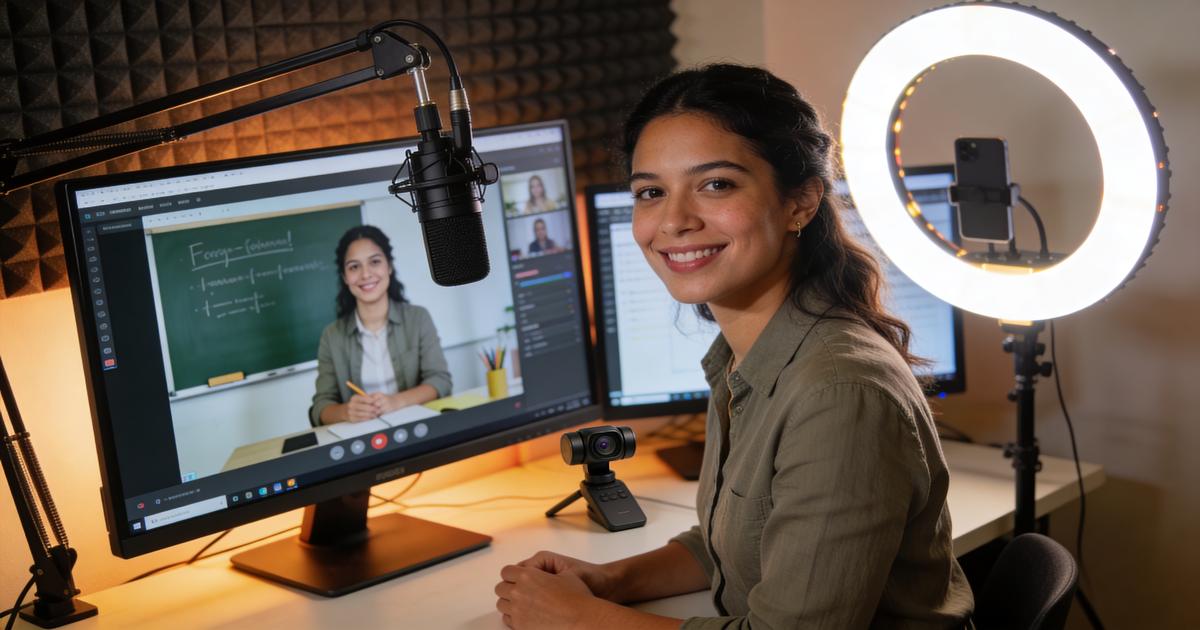
You've got the skills, the passion, and the students. But if your audio crackles, your lighting makes you look like you're in a cave, or your camera turns every lesson into a pixelated blur — you're losing students before the second class.
In 2026, the bar for professional online teaching has never been higher. Students (and parents) expect a polished, distraction-free experience. The good news? You don't need a Hollywood budget to deliver one. You just need the right gear — and this guide will show you exactly what that is.
Essential Hardware for Professional Lessons
Your hardware is the foundation of your online classroom. Get this right, and everything else falls into place.
Cameras and Webcams
Your webcam is your face to the world. Built-in laptop cameras are fine for casual calls, but for professional tutoring they simply don't cut it.
Our top picks for 2026:
- Logitech StreamCam — 1080p/60fps, USB-C, excellent auto-focus. Great mid-range option.
- Logitech Brio 4K — The gold standard for serious tutors. Ultra-sharp 4K with HDR, works brilliantly even in low light.
- Razer Kiyo Pro — Excellent low-light performance with adaptive light sensor. A favourite among tutors teaching evening sessions.
Pro tip: Position your camera at eye level. Looking slightly up into the lens creates natural eye contact with your student — looking down is subconsciously off-putting and makes you appear disengaged.
Microphones That Make You Sound Pro
Bad audio kills a lesson faster than bad video. Students can mentally adjust for a slightly blurry image — but if they can't clearly hear your pronunciation, comprehension, and delivery, the lesson falls apart.
Top microphone picks:
- Blue Yeti Nano — Plug-and-play USB condenser mic, excellent voice clarity, compact footprint. Best value for most tutors.
- Rode NT-USB Mini — Studio-quality sound in a small package. Cardioid pattern rejects background noise beautifully.
- Elgato Wave:3 — Built-in mixer software, broadcast-quality audio, and a clean aesthetic that looks great on camera.
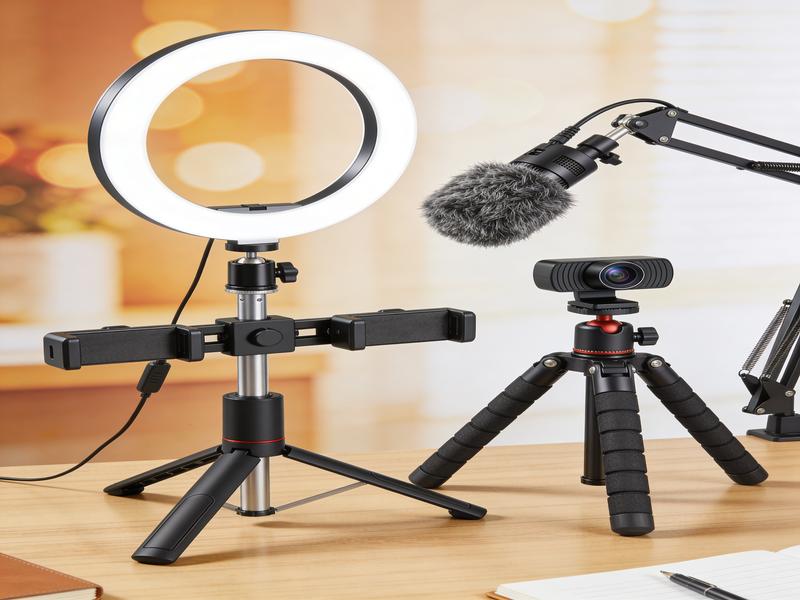
Pair your mic with a boom arm (the Rode PSA1+ is excellent) to keep it off your desk and reduce vibration noise. Add a pop filter to eliminate plosive sounds on words starting with "P" and "B."
Lighting That Flatters
Lighting is the single highest-impact upgrade you can make — and it's often the most overlooked.
The essentials:
- Ring light — A 12–18 inch ring light (Neewer or Elgato Key Light) placed in front of you eliminates shadows and creates that professional "studio glow." Position it at face height, slightly above eye level.
- Key + fill setup — For a more cinematic look, use a main key light to one side and a softer fill light on the other to eliminate harsh shadows.
- Avoid backlit setups — Never sit with a window behind you. You'll become a silhouette. Move the window to your side, or face it directly for beautiful natural fill light.
Must-Have Software and Apps
Great hardware needs great software to shine. These are the tools professional online tutors rely on in 2026.
Video Conferencing Platforms
- Zoom — Still the industry standard. Stable, reliable, with virtual backgrounds, breakout rooms, and whiteboard tools built in.
- Google Meet — Excellent for students already in the Google ecosystem. Clean interface, no software download needed for students.
- ClassIn — Purpose-built for online tutoring, especially popular in the Asia market. Includes interactive whiteboard, class records, and student management tools built right in.
Digital Whiteboards and Annotation Tools
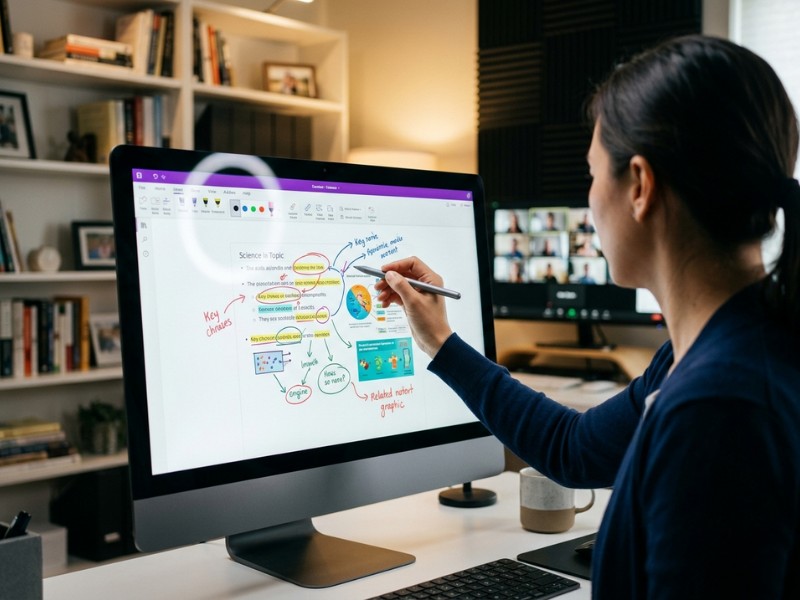
- Explain Everything — The go-to interactive whiteboard for online tutors. Draw, annotate, import PDFs and images, and record walkthroughs.
- Miro — Brilliant for collaborative visual exercises, mind maps, and activity boards.
- Microsoft Whiteboard — Simple, free, and deeply integrated with Teams if you're already in that ecosystem.
- Google Jamboard — Easy drag-and-drop collaborative space, great for vocabulary activities and visual brainstorming.
Lesson Planning and Student Management
- Notion — Build your lesson library, student notes, and progress trackers all in one place.
- Canva — Create beautiful, branded lesson slides, worksheets, and flashcards in minutes.
- Loom — Record short video walkthroughs or feedback messages for students between sessions.
Budget vs Premium: What Is Worth the Investment?
Not everyone needs the top-of-the-range kit from day one. Here's how to prioritise your spending:
Start here (under $150 total):
- Blue Yeti Nano or Rode NT-USB Mini (~$100)
- 12-inch ring light (~$30–50)
- Position your existing laptop camera at eye level using a stack of books
Upgrade when you're earning (~$300–500 range):
- Logitech StreamCam or Razer Kiyo Pro (~$100–130)
- Boom arm for your microphone (~$50–80)
- Second monitor for lesson materials (~$150–200)
Go full professional (~$800–1,500 range):
- Logitech Brio 4K (~$200)
- Rode NT-USB Mini + PSA1+ boom arm (~$250)
- Elgato Key Light pair (~$300)
- Acoustic panels for your walls (~$50–100)
- Drawing tablet (Wacom Intuos) for whiteboard annotation (~$100)
The single best bang-for-your-buck upgrade? Your microphone. Students forgive visual imperfections far more readily than audio problems. If you can only spend $100, spend it on sound.
Setting Up Your Teaching Space
The right gear in the wrong environment still underperforms. Here's how to optimise your space:
Background: Keep it clean and professional. A plain wall, a tidy bookshelf, or a subtle virtual background all work. Avoid clutter — it's visually distracting and signals a lack of professionalism.
Acoustics: Hard surfaces (bare walls, wood floors) create echo. Add a rug, some cushions, or even hang a heavy curtain behind your desk to absorb sound. Purpose-built acoustic panels are surprisingly affordable and make a huge difference.
Desk setup: Position your screen(s) slightly above eye level. Keep your notes, lesson materials, and student details within easy reach but off-camera. A clean, organised desk projects confidence and professionalism.
Connectivity: Wired ethernet beats Wi-Fi for reliability every single time. If that's not possible, position your router as close to your teaching space as you can and minimise other devices using the network during sessions.
Got your setup ready? Now put it to work. ExpatTeaching connects professional tutors with motivated students across the globe. Show off your polished setup and start building a rewarding online teaching career.
👉 Join our tutor network: expatteaching.com